Insights
Design a voice-note flow people can actually finish
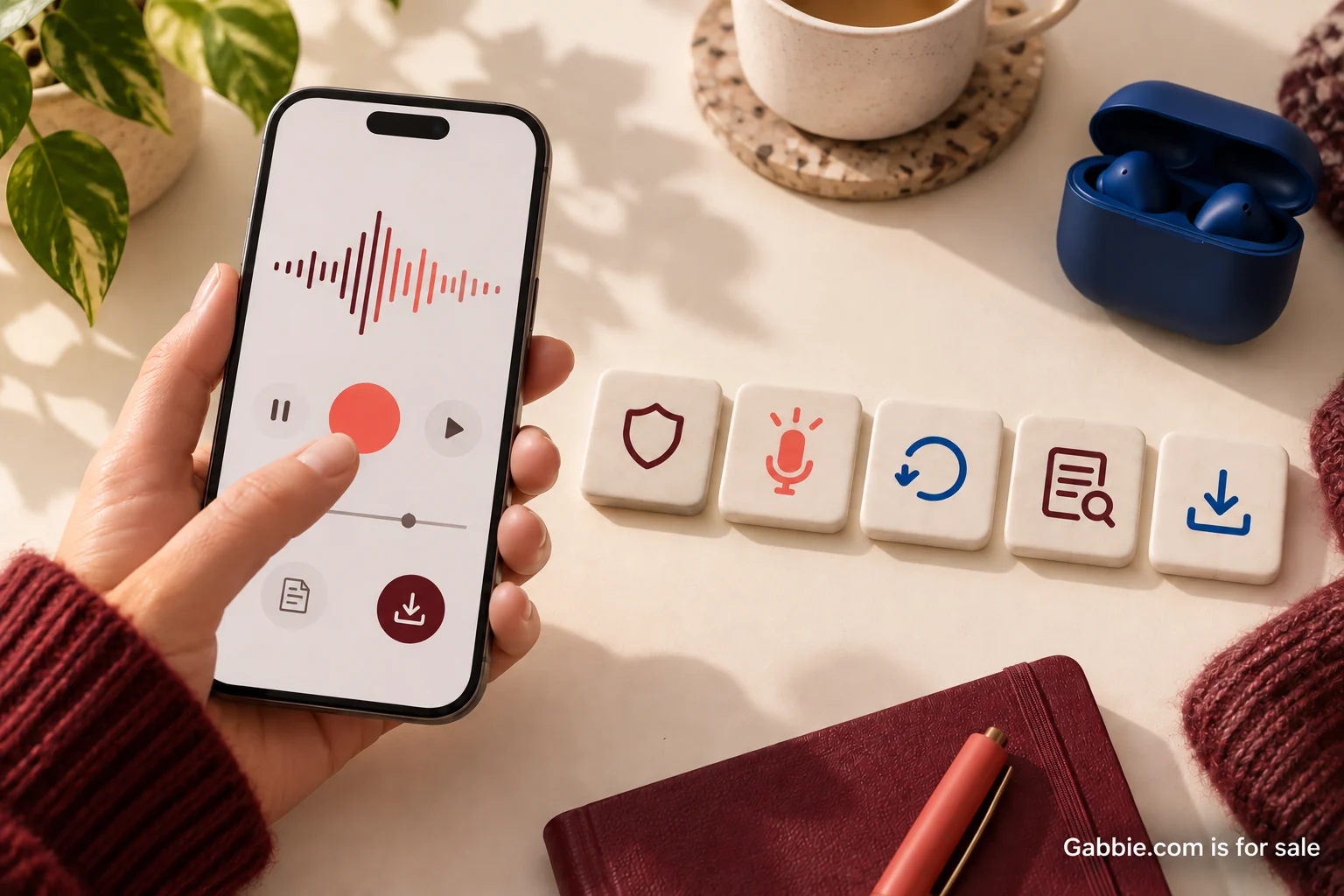
A voice-note feature can look simple in a design file: tap a microphone, speak, and save. Real use contains more uncertainty. People decline permissions, hesitate before speaking, receive calls, lose connectivity, and wonder whether a recording survived. A useful flow makes those moments understandable from the first prompt through the final saved note.
Audit one complete journey instead of starting with a list of features. Choose a specific task, such as recording a short memory and adding it to a private collection. Follow the same note through permission, capture, review, storage, and later playback. At every step, ask what the person can see, what they can change, and what might be lost.
Start with a prompt someone can answer
An empty recording screen can feel surprisingly demanding. “Tell your story” asks for structure, subject, and performance all at once. A smaller prompt such as “What happened just before this photograph?” gives someone a starting point. Make the prompt optional so a confident speaker can record their own thought immediately.
Show the likely size of the task without enforcing unnecessary pressure. “A few sentences is enough” is an invitation; a countdown can turn the same activity into a test. If there is a real duration limit, explain it before recording starts. Let people type a note when speaking is inconvenient or inaccessible.
Ask for the microphone in context
The first permission request should follow an action that makes its purpose obvious. A person who has tapped Record understands why the app needs a microphone. Someone who has just opened an unfamiliar app may not. Explain what recording does and then use the platform's authorization mechanism.
Apple's media authorization documentation describes authorization for capture and saving media. The exact implementation depends on the platform and resource being accessed. Do not treat microphone permission as permission to publish, share, or process the recording in every possible way. Those choices need their own explanation in the product.
If access is declined, offer a useful next step. The person could type instead, return to the collection, or choose to revisit device settings. Apple's privacy design guidance supports clear purposes, timely requests, and useful experiences when access is declined. A disabled microphone icon with no explanation leaves the person to diagnose the problem alone.
Make recording unmistakable
Use a visible status label, an elapsed timer, and a prominent stop control. A moving waveform can be helpful feedback, but it should not be the only indication that capture is happening. People may be unable to see subtle motion, and silence does not necessarily mean recording has stopped.
Give controls distinct names. Pause should pause the current take; Stop should end capture; Save should preserve the result according to the stated storage behavior. If the application combines Stop and Save, label the button accordingly and make the outcome clear. Avoid using one unlabeled icon for several states, especially when an accidental tap could discard work.
Decide what interruption means
Test incoming calls, device locks, switching apps, and disconnected audio accessories on the platforms you support. Different environments can interrupt capture in different ways. The product should report the outcome it can verify rather than assume that a note continued recording in the background.
After an interruption, show the recoverable portion if one exists and explain what happened. Offer playback before asking the person to continue. If the application cannot recover the audio, say so plainly and allow a new take. A generic error toast that vanishes after two seconds is inadequate for a recording someone may have spent several minutes making.
Separate local capture from upload
A note can exist on a device before it exists in an account. Treat those as distinct states. “Saved on this device” and “Uploaded to your collection” give more useful information than a single checkmark. The product's technical design determines whether a local draft survives a restart or storage cleanup; the interface must reflect those real limits.
When the network fails, keep the retry action close to the affected note. Explain whether closing the screen is safe. Prevent repeated taps from creating duplicate entries if the first request succeeded but its response was lost. If safe background retry is implemented, show its status. Do not claim that work is queued unless the application actually retains it for that purpose.
Put review before sharing
The review screen should let someone listen, rename the note, and remove it. For a private collection, show the destination and who can access it. For a shared link, preview what the recipient will see. Saving privately and publishing should have distinct labels because they carry different consequences.
Make destructive choices reversible where the storage model allows it. A clear discard confirmation is useful when a recording has no recovery path. If a user records a replacement, explain whether the original remains available. The design should avoid making people discover version behavior only after losing a take they preferred.
Make transcripts part of the experience
Text can help someone review a recording in a quiet space, search for a detail, or access the content without hearing it. W3C's guidance for prerecorded audio-only content explains the role of an equivalent alternative. Plan that alternative alongside the audio experience, with appropriate review of the actual accessibility requirements for your product.
An automatic transcript is a draft. Names, accents, background noise, and specialist terms can produce errors. Let the contributor correct important words and mark uncertain passages. W3C's transcript guidance also covers speaker identification and meaningful non-speech sounds. These details can matter when several people participate or a laugh changes the meaning of a sentence.
Check controls without relying on sight or sound
Give recording and playback controls accessible names that describe their current action. Check keyboard access where relevant, visible focus, screen-reader announcements, and changes in status. A timer that updates every second should not overwhelm a screen reader with continuous announcements. Announce meaningful events such as recording started, recording stopped, and upload failed.
For mobile permission design, Android's guidance on explaining sensitive access provides useful context for explaining why a resource is needed when the feature is encountered. Keep the explanation tied to the person's immediate task. Lengthy technical language about device APIs is less helpful than a clear account of what will be recorded and where it will go.
Run one complete audit
Use a short test recording containing a name, a pause, and a sentence you can recognize later. Record it once with normal connectivity, once after declining permission, and once with a network interruption before upload. Reopen the application and inspect what survived. Then listen, correct the transcript, change the title, and export or retrieve the final note.
Record failures as observable outcomes: the stop button lacked a label, the upload state looked complete too early, or the original take disappeared during replacement. Fix those specific moments before adding effects or additional capture modes. A finished voice-note flow leaves the person certain about what was recorded, where it is stored, and who can access it.